🛡️ DMCA PROTECTED
Unauthorized redistribution, leaking, reselling, or sharing of SLIMEE DEVELOPMENT resources is strictly prohibited.
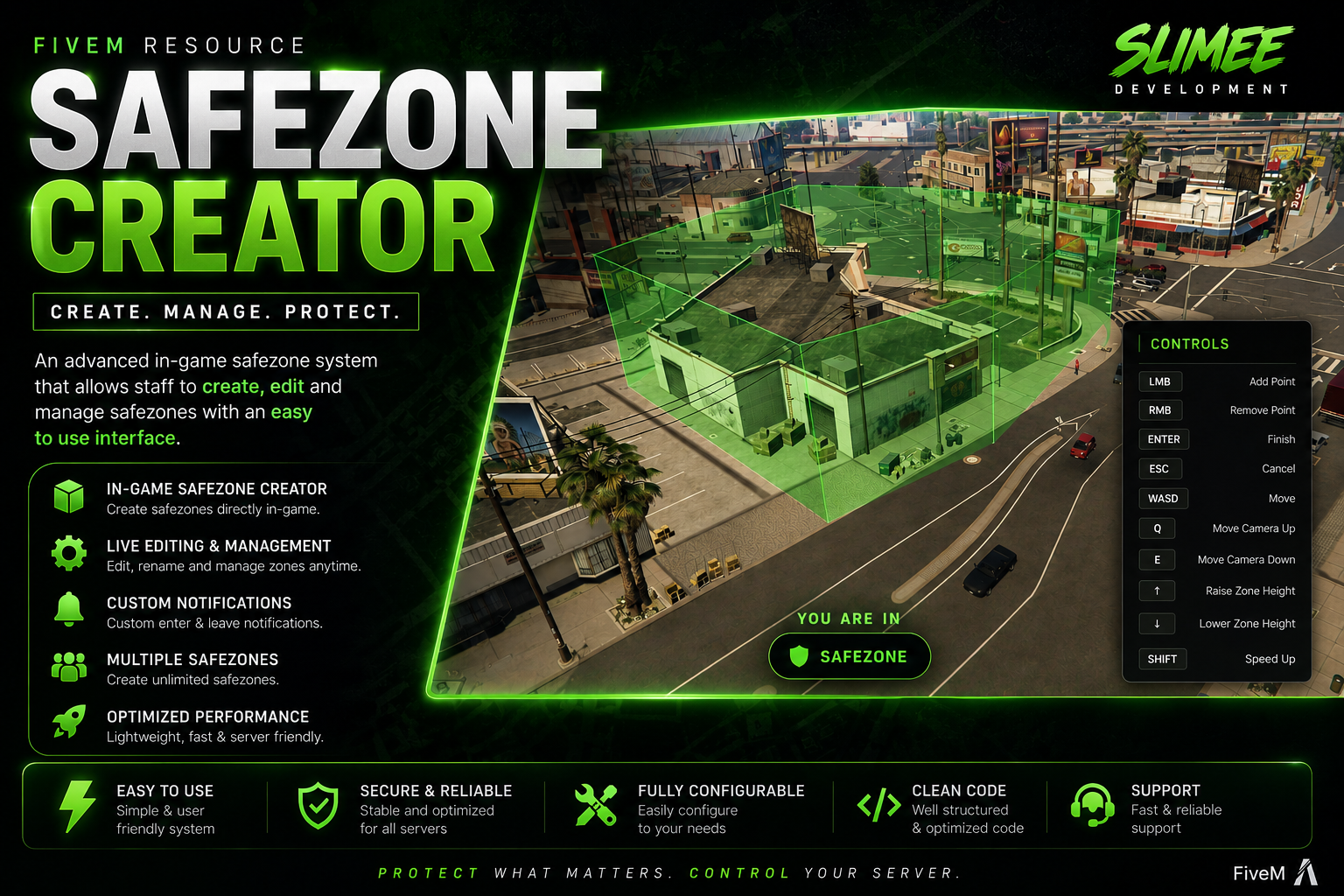
Built by SLIMEE DEVELOPMENT
Easily create and manage safezones anywhere on your FiveM server with a modern in-game creator menu.
1. Download the asset from the CFX Portal:
https://portal.cfx.re/assets/granted-assets2. Drop the resource into your server's resources folder.
3. Configure the UI color in config.lua if desired
4. Ensure and restart the server.
5. Use /safezone in-game to begin creating safezones.
Premium FiveM Scripts • UI • Maps


